Reinald Toilet Roleplay Tools & Quick References
Checklists and cooldown tables that make morph RP sessions smoother.
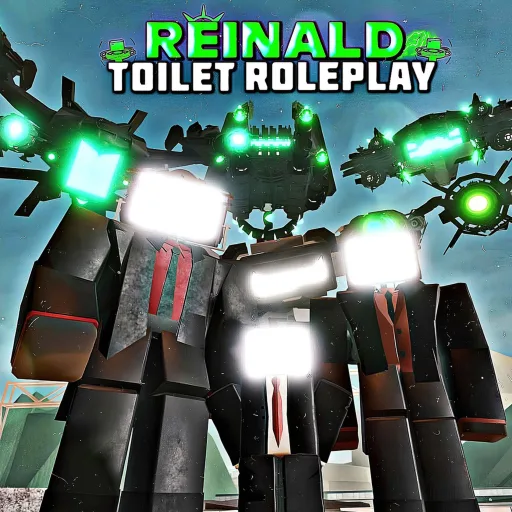
Welcome to the Tools Hub for Reinald Toilet Roleplay on Roblox. Guides explain mechanics in prose; tools give you scannable references you can keep open on a second monitor or phone while roleplaying. SRV Official Group patches morph lines and cooldown numbers frequently — these pages update when Latest Update or official description bullets change.
The experience is free, supports 40 players per server, launched February 15, 2025, and centers on morph selection from families documented in the Morphs Hub. Tools here do not require Robux, downloads, or scripts (Scripts Hub warns against exploits).
Tools on this hub
| Tool | Use case |
|---|---|
| Morph Checklist | Track which morph lines you have tried in RP |
| Cooldown Reference | Ability timer table for Carrier, UTS, Obliterator, and more |
Both tools link back to Morph Roster, Morph Tier List, and Guides Hub so you never dead-end on a table row.
When to use tools versus guides
Guides teach first-time setup — Getting Started, How to Morph, Titans & Overcharge. Tools support session three and beyond when you already know the menu but need:
- A checklist before filming a “100 morphs tried” challenge video
- Cooldown numbers during organized wars where UTCM and Carrier units share a scene
- Quick anchors for squad leaders calling ability timing in voice chat
If you are brand new, read one guide first, then bookmark this hub.
Morph Checklist overview
The Morph Checklist groups morph families into markdown checkboxes:
- Tabletmen size ladder and specialists
- UTSM / UTCM / UTTVM lines
- Titans and gamepass silhouettes you have tested
- Toilets, Astro Striders, Rocket variants
- Carrier family and Obliterator group
Copy the list into your notes app or print it for LAN events. Checking a box is honor-system — the wiki cannot read your Roblox inventory.
Pair the checklist with Best Gamepasses when deciding what to buy after trying free lines.
Cooldown Reference overview
The Cooldown Reference mirrors official description timers:
- Carrier — 75 seconds
- Obliterator, Impactor, Blackout — 40 seconds
- Speaker Carrier — 25 seconds
- UTSM, UTCM, UTTVM — 50 seconds
Overcharge bypass rules live in Titans & Overcharge — not every row bypasses timers. Squad leaders should screenshot the table before event night.
Tools and patch cycles
After each SRV patch:
- Read Patch Notes Reading Guide
- Compare new cooldown bullets against Cooldown Reference
- Add new morph names to Morph Checklist
- Revisit Morph Tier List if pacing shifts
Tools stay accurate only when players verify numbers in-game after updates.
What tools deliberately exclude
- Script or executor links — see Scripts Hub
- Fake code generators — Codes Hub lists zero active promos
- Invented DPS calculators — SRV does not publish full combat stats suitable for calculators
Recommended tool workflow for RP groups
- Host shares Cooldown Reference in Discord pinned messages
- Each member maintains personal Morph Checklist progress
- Before raids, match roles to Morph Tier List tiers
- After patches, host pings Latest Update summary
Mobile-friendly usage
Tables use simple markdown so they render on phone browsers when you pull up the wiki mid-session. Rotate landscape for wide cooldown columns. For control help while mobile, keep Controls open in another tab.
Related pages
- Morph Checklist — interactive-feeling checkbox list
- Cooldown Reference — timer cheat sheet
- Morphs Hub — morph lore and breakdowns
- Tier List Hub — decide your next main
- Official Links — verify live game before events
Frequently Asked Questions
Quick answers for Reinald Toilet Roleplay players.
Do these tools modify the game?
No. They are read-only wiki references. Nothing here injects scripts or auto-tracks inventory.
Which tool should squad leaders pin first?
Cooldown Reference for ability timing, then Morph Checklist for roster variety across members.
Will checklist boxes save progress on the site?
Markdown checkboxes are manual. Copy the list to your notes app if you need persistent tracking.
How often are cooldown numbers updated?
When official description bullets change—check Latest Update after each SRV patch.
Are tools available in other languages?
English is published first. Translated tool pages arrive when locale JSON is added to the wiki.